
3.9 KiB
Pagepiper
Self-hosted document search with BM25 full-text indexing and (with local Ollama) hybrid vector search and LLM-powered chat. Supports PDF, EPUB, DOCX, ODT, Apple Pages, XLSX, ODS, and Apple Numbers files.
Demo
Try it: pagepiper.circuitforge.tech
Screenshots
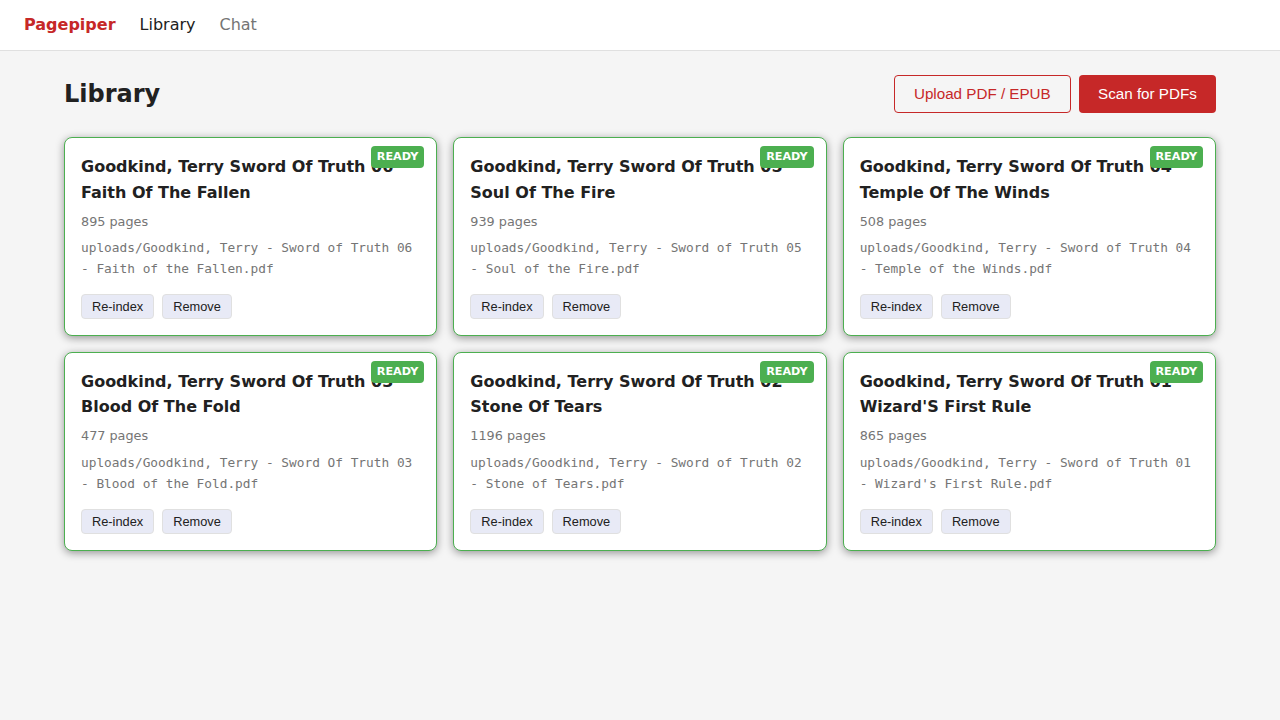
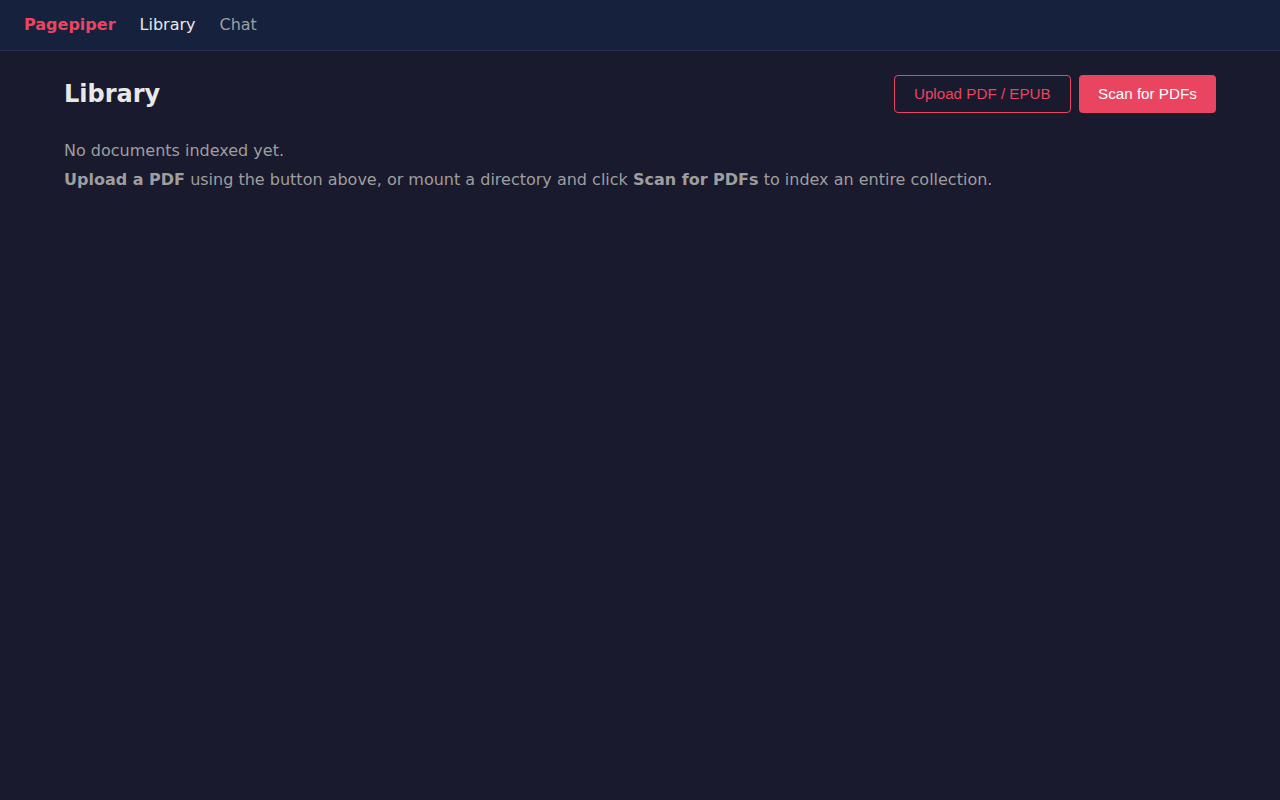
Library
 { .only-light }
 { .only-dark }
Scan your PDF directory to index documents, or upload individual PDFs directly. Each document shows page count and shelving status.
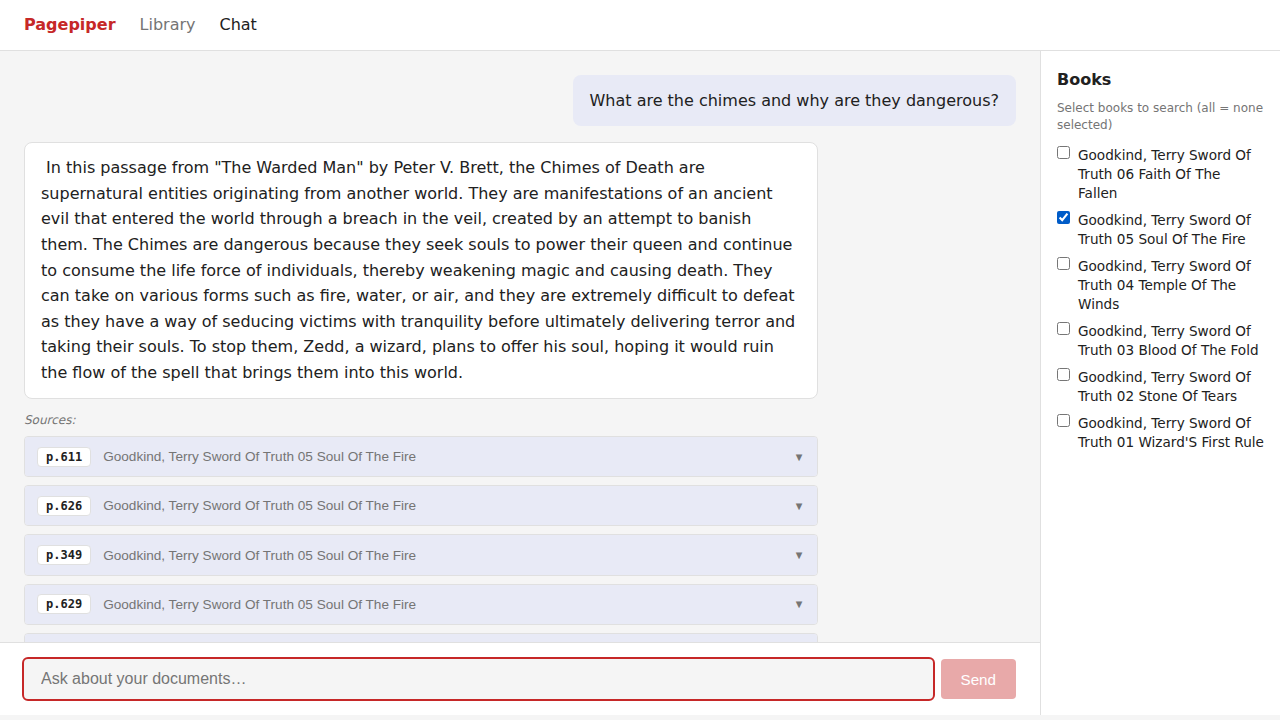
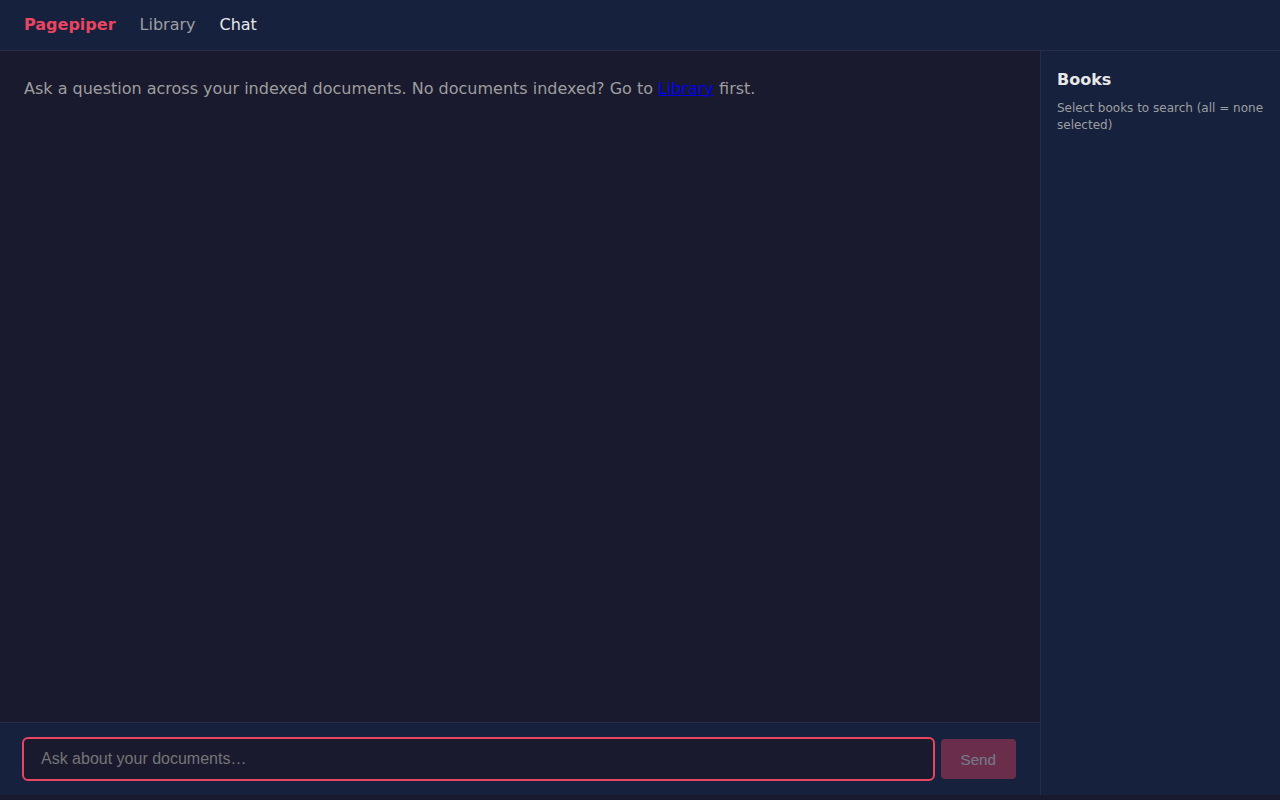
Chat
 { .only-light }
 { .only-dark }
Ask questions across your indexed documents. Results cite the source document and page number.
Tiers
| Feature | Free | Paid (BYOK) |
|---|---|---|
| BM25 full-text search | Yes | Yes |
| All supported formats upload via browser | Yes | Yes |
| Unlimited local shelving | Yes | Yes |
| Hybrid vector search | No | Yes (local Ollama) |
| LLM chat over documents | No | Yes (local Ollama) |
BYOK (Bring Your Own Key) means you supply your own Ollama instance. No cloud API keys required.
Self-Hosting Guide
Prerequisites
- Docker and Docker Compose
- PDFs you want to search
- Optional: Ollama running locally for semantic search and LLM chat
Step 1: Get the code
git clone https://git.opensourcesolarpunk.com/Circuit-Forge/pagepiper
cd pagepiper
Step 2: Configure
cp .env.example .env
Open .env and set your directories:
# Where pagepiper stores its index database
PAGEPIPER_DATA_DIR=./data

# Directory to scan for PDFs (used by the "Scan for PDFs" button)
# You can also upload individual PDFs via the web UI without setting this
PAGEPIPER_BOOKS_DIR=/path/to/your/pdfs
To unlock hybrid vector search and LLM chat, add your Ollama endpoint:
PAGEPIPER_OLLAMA_URL=http://localhost:11434
PAGEPIPER_CHAT_MODEL=mistral:7b
PAGEPIPER_EMBED_MODEL=nomic-embed-text
Step 3: Start
docker compose up -d --build
Open http://localhost:8521 in your browser.
Step 4: Add your PDFs
Two ways to add documents:
Option A — Upload via browser (easiest for small collections):
Click the Upload PDF button in the Library view and select a file. It saves to data/uploads/ and begins indexing automatically.
Option B — Mount a directory (best for large collections):
Set PAGEPIPER_BOOKS_DIR in your .env to point at a folder of PDFs, then click Scan for PDFs. Pagepiper finds all .pdf files recursively and queues them for indexing.
Step 5: Search
Switch to the Chat tab and ask questions about your documents. The Free tier uses BM25 keyword matching. With Ollama configured, you get semantic (vector) search and LLM-generated answers with page-level citations.
Ollama Setup (optional)
Install Ollama from ollama.com, then pull the models:
ollama pull mistral:7b
ollama pull nomic-embed-text
Pagepiper's Docker container reaches Ollama at host.docker.internal — no extra network config needed on Linux/Mac with Docker Desktop. On a headless Linux server, make sure Ollama binds to 0.0.0.0:
OLLAMA_HOST=0.0.0.0 ollama serve
Managing the instance
# Check status
docker compose ps

# View API logs
docker compose logs -f api

# Stop
docker compose down

# Rebuild after updates
docker compose up -d --build
Notes
- Pagepiper indexes PDFs at shelve time. Changes to the source file require a re-index (use the re-index button on the document card).
- The
data/directory contains the SQLite index database and any uploaded files. Back it up to preserve your index. - Large PDFs (hundreds of pages) can take a few minutes to index. Watch the status badge on the document card.