 pyr0ball
7d1b1319be
pyr0ball
7d1b1319be
Replace git.circuitforge.io/circuitforge/peregrine with the correct
Forgejo URL (git.opensourcesolarpunk.com/Circuit-Forge/peregrine) in
Quick Start, License, and Contributing clone instructions.

Update feature matrix in docs/index.md to show BYOK‡ for AI features
(cover letter, company research, interview prep, survey assistant) with
a footnote explaining the free-with-own-backend model. Previously the
table showed these as Paid-only, which would mislead self-hosters.
2.8 KiB
Peregrine
AI-powered job search pipeline — by Circuit Forge LLC
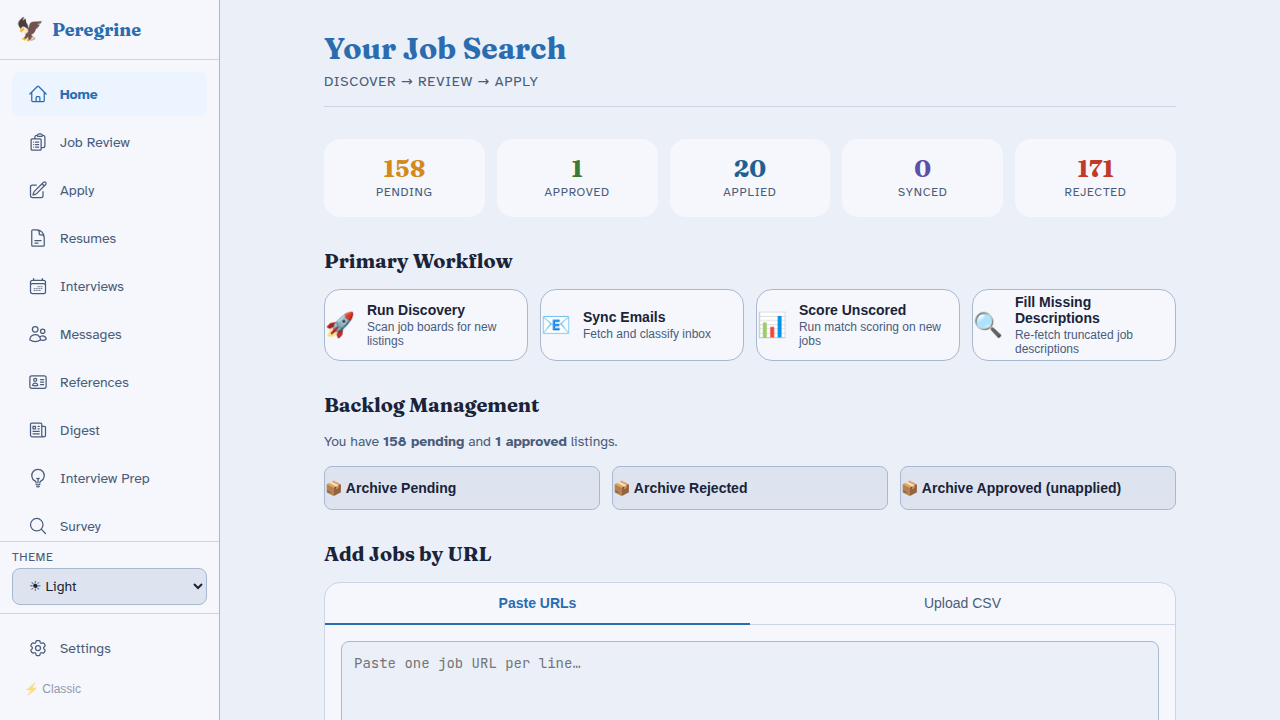
Peregrine automates the full job search lifecycle: discovery, matching, cover letter generation, application tracking, and interview preparation. It is privacy-first and local-first — your data never leaves your machine unless you configure an external integration.
Quick Start
# 1. Clone and install dependencies
git clone https://git.opensourcesolarpunk.com/Circuit-Forge/peregrine
cd peregrine
bash install.sh

# 2. Start Peregrine
make start                        # no GPU, API-only
make start PROFILE=single-gpu     # one NVIDIA GPU
make start PROFILE=dual-gpu       # dual GPU (Ollama + vLLM)

# 3. Open the UI
# http://localhost:8501
The first-run wizard guides you through hardware detection, tier selection, identity, resume, LLM configuration, search profiles, and integrations. See Installation for the full walkthrough.
Feature Overview
| Feature | Free | Paid† | Premium |
|---|---|---|---|
| Job discovery (JobSpy + custom boards) | Yes | Yes | Yes |
| Resume keyword matching | Yes | Yes | Yes |
| Cover letter generation | BYOK‡ | Yes | Yes |
| Company research briefs | BYOK‡ | Yes | Yes |
| Interview prep & practice Q&A | BYOK‡ | Yes | Yes |
| Email sync & auto-classification | - | Yes | Yes |
| Survey assistant (culture-fit Q&A) | BYOK‡ | Yes | Yes |
| Integration connectors (Notion, Airtable, etc.) | Partial | Yes | Yes |
| Calendar sync (Google, Apple) | - | Yes | Yes |
| Cover letter model fine-tuning | - | - | Yes |
| Multi-user support | - | - | Yes |
† Paid gives access to CircuitForge's hosted inference — no API key required.
‡ BYOK — configure any LLM backend in config/llm.yaml (local Ollama/vLLM or an API key) and these features unlock at no charge, regardless of tier.
See Tier System for the full feature gate table.
Documentation Sections
- Getting Started — Install, configure, and launch Peregrine
- User Guide — How to use every feature in the UI
- Developer Guide — Add scrapers, integrations, and contribute code
- Reference — Tier system, LLM router, and config file schemas
License
Core discovery pipeline: MIT
AI features (cover letter generation, company research, interview prep, UI): BSL 1.1
© 2026 Circuit Forge LLC